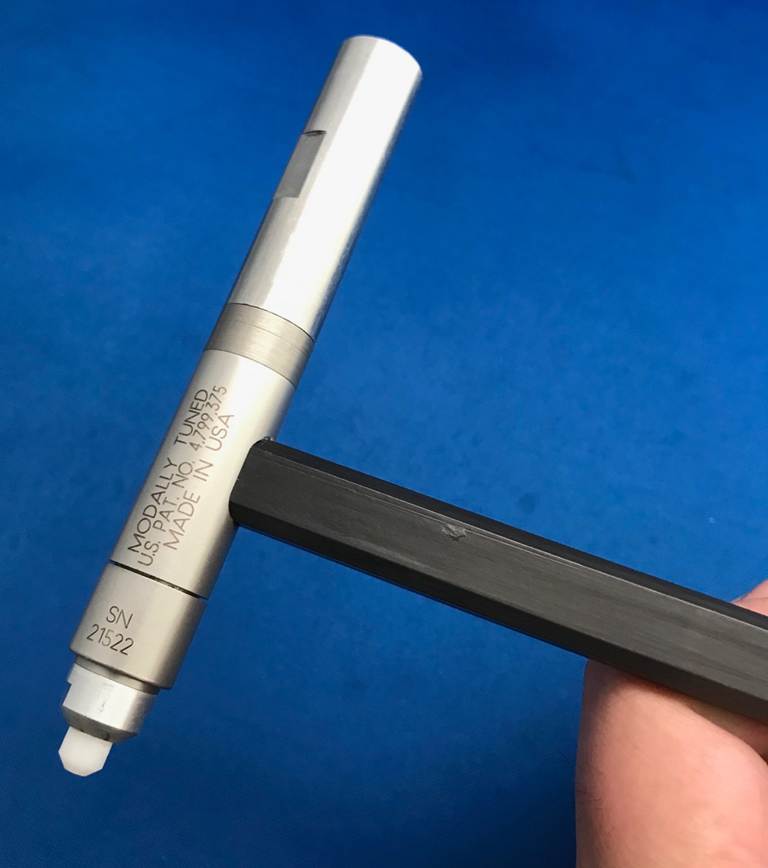
Tap Testing Face Mills
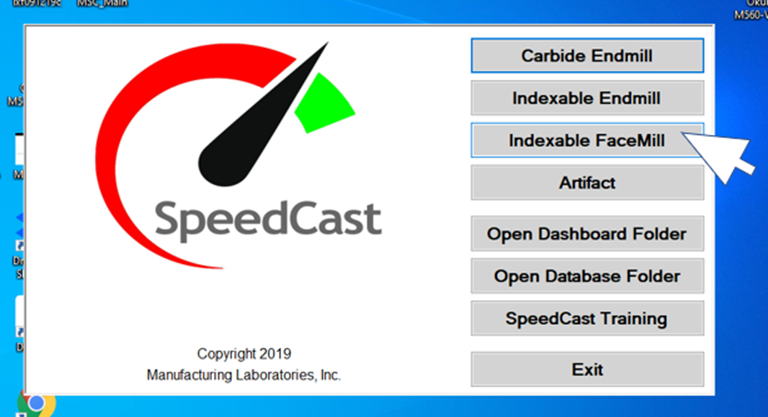
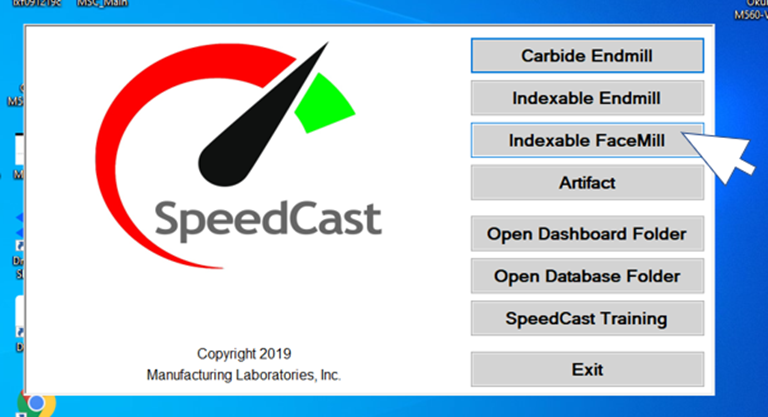
When
you click on the Indexable FaceMill button on the SpeedCast menu, the
software will automatically set the appropriate bandwidth and hammer settings.
If you enter the tool's lead angle, the cutting stiffness of the workpiece
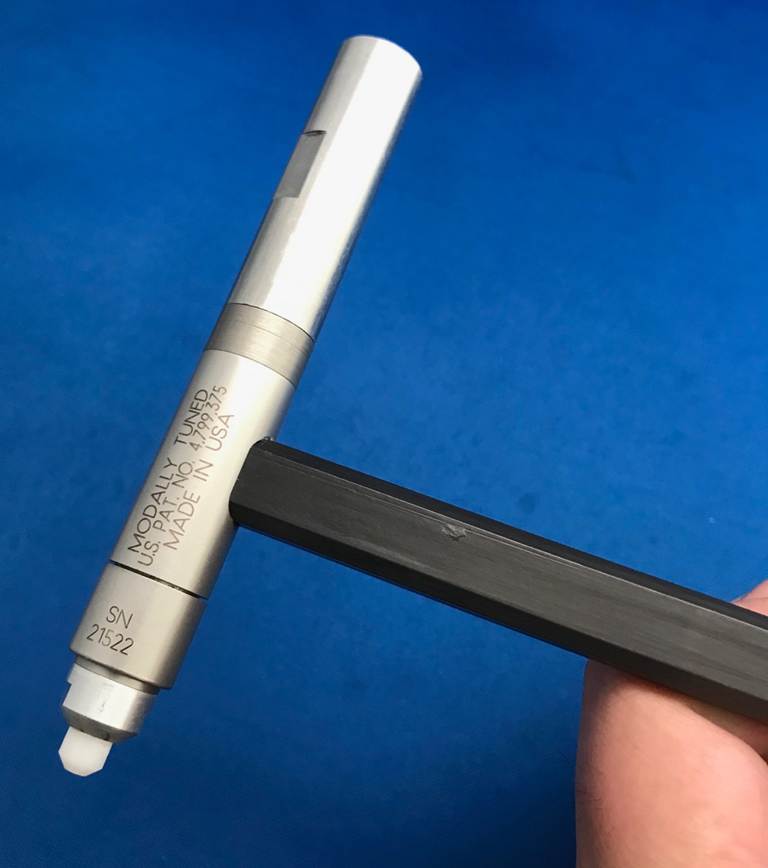
material will be adjusted automatically. You will need to add the mass or
weight to the back of the hammer. Screw it into the end opposite the tip and
hand tighten.
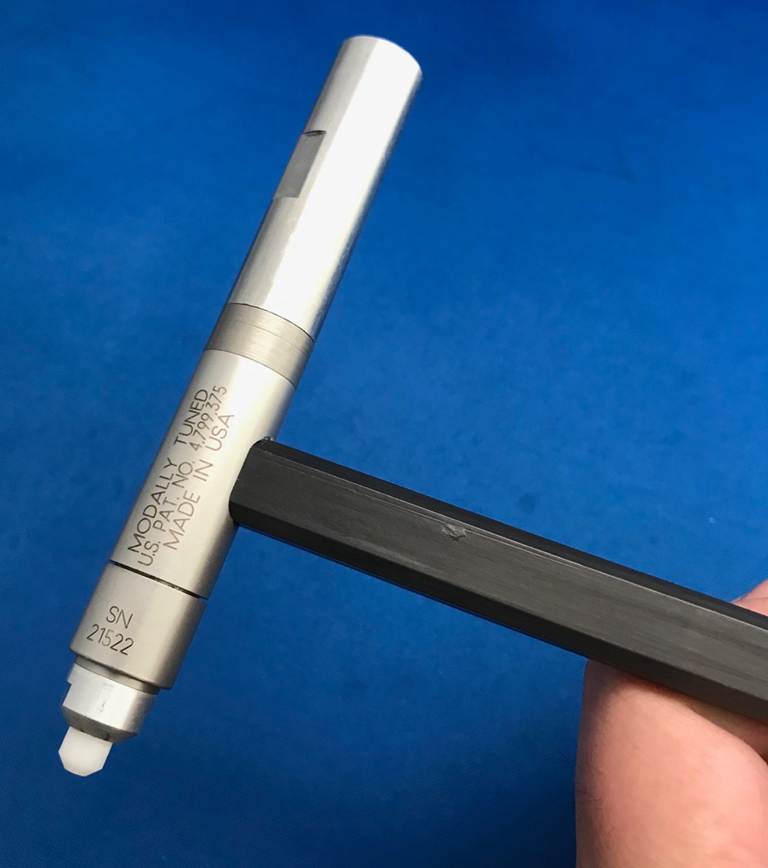
タップテストフェースミル
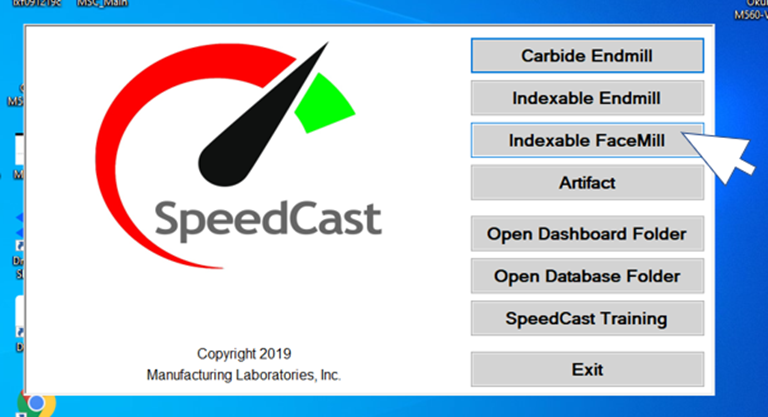
SpeedCastメニューのインデックス可能なFaceMillボタンをクリックすると 、ソフトウェアは適切な帯域幅とハンマー設定を自動的に設定します。工具のリード角を入力すると、被削材の切削剛性が自動的に調整されます。ハンマーの背面に質量または重りを追加する必要があります。先端の反対側の端にねじ込み、手で締めます。
Gewindebohrerprüfung Planfräser
Wenn Sie im
SpeedCast-Menü auf die Schaltfläche
Indexable FaceMill klicken,
stellt die Software automatisch
die entsprechenden Bandbreiten-
und Hammereinstellungen ein.
Wenn Sie den Steigungswinkel des Werkzeugs
eingeben, wird die Schnittsteifigkeit des Werkstückmaterials
automatisch angepasst. Sie müssen die Masse oder das Gewicht auf die Rückseite des
Hammers geben. Schrauben Sie es in das Ende gegenüber der Spitze und ziehen Sie es mit der Hand fest.